Minecraft Command Generator

Build Minecraft commands faster with a practical workspace for give, summon, tellraw, title, and effect syntax. Switch between Java and Bedrock, start from editable templates, and copy or export the command draft when it is ready to test.
Loading the interactive tool…
Minecraft Command Generator

Why this command builder is useful

Build give, summon, tellraw, title, and effect commands in one workspace. Choose an edition and syntax profile, then edit an example or enter your own values.

Java has three text/item syntax profiles: SNBT text from 1.21.5, JSON text with item components for 1.20.5–1.21.4, and older item NBT for 1.13–1.20.4. Bedrock has one basic syntax profile, not separate implementations for every release. These profiles select serialization; they do not detect your server or prove game compatibility.

Copy a complete command with a slash for chat, or export a comment header and one command line without the slash to an mcfunction file. The download does not install a data pack or behavior pack.

Most-used command families

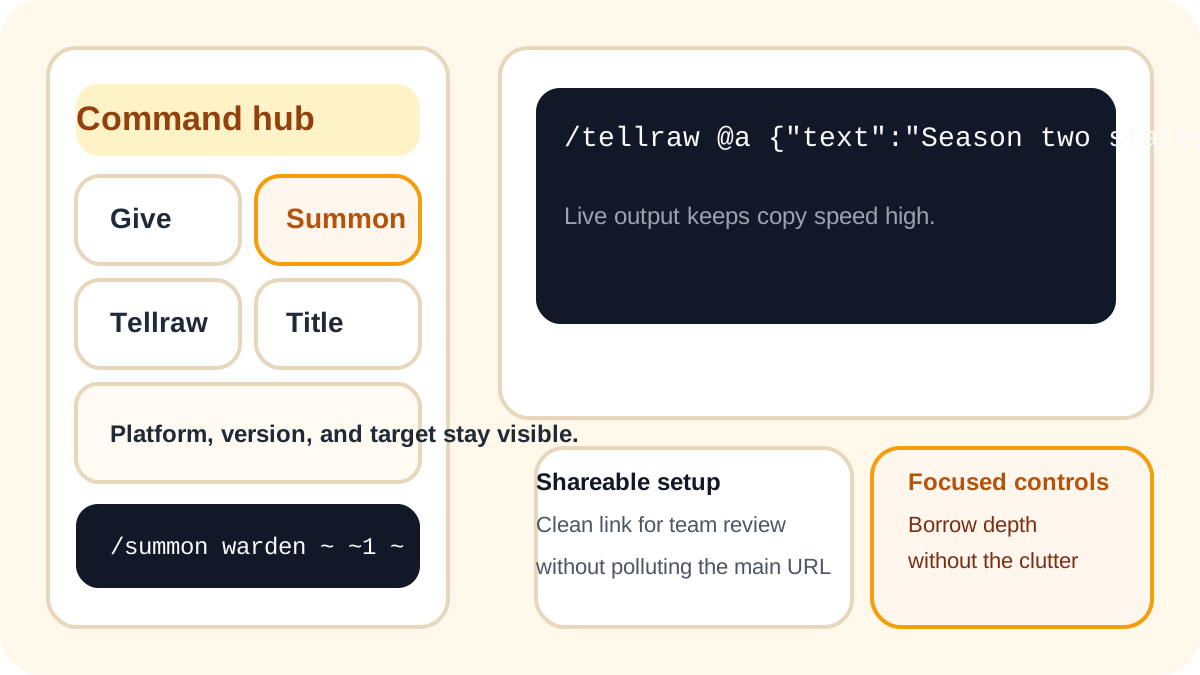
Start with the command types players and admins open most often, so the builder feels immediately useful instead of overwhelming.
Explicit syntax profiles

Choose the Java text/item serialization or basic Bedrock command form. Check IDs, permissions and behavior in your exact game version.

Copy and export

Copy the live command, generate an mcfunction snippet, or download the file without leaving the builder.

Focused workspace

The builder keeps the fields that matter close by and moves the quick compatibility notes right next to the output.

What makes this command page practical

A useful command builder should help you finish a working command quickly, understand which syntax you are using, and keep sharing or export steps simple.
minecraft command generator command hub with give summon tellraw title and effect builders

Real command types instead of filler demos

Players usually need a give, summon, tellraw, title, or effect command right away. This page starts with those practical workflows instead of burying them behind generic examples.
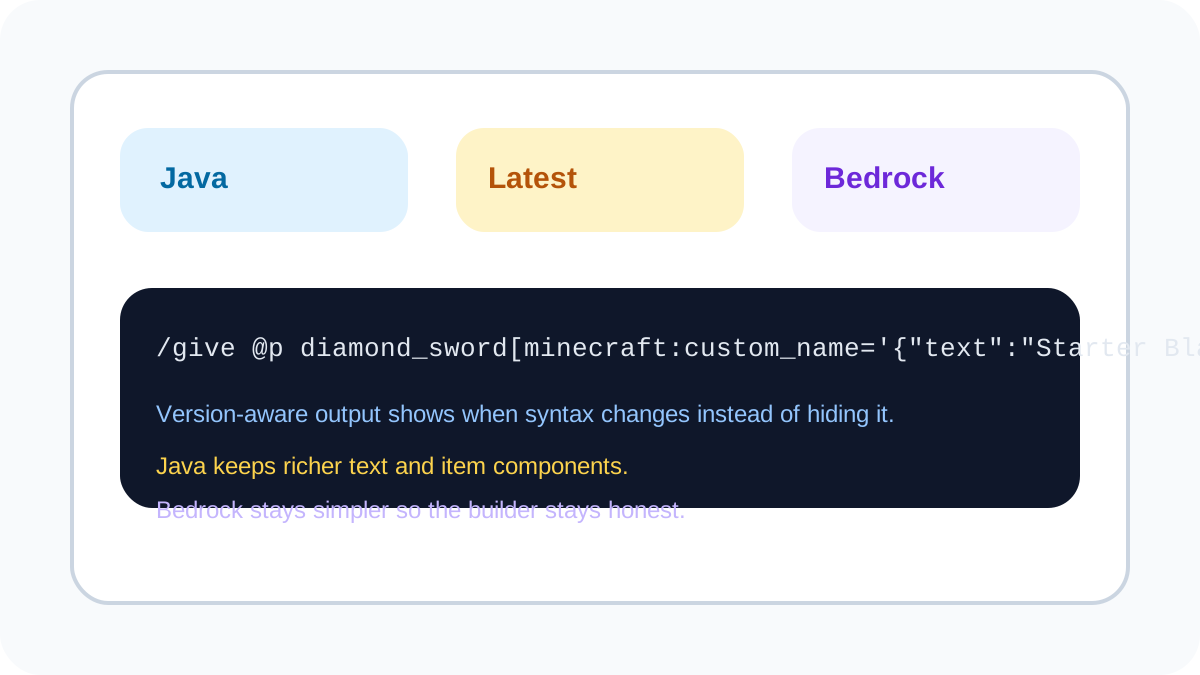
minecraft command generator version aware builder for Java and Bedrock command syntax

Version and platform clarity

Strong command tools respect how fast syntax changes. This builder keeps Java and Bedrock profiles visible so you can make edits with confidence.
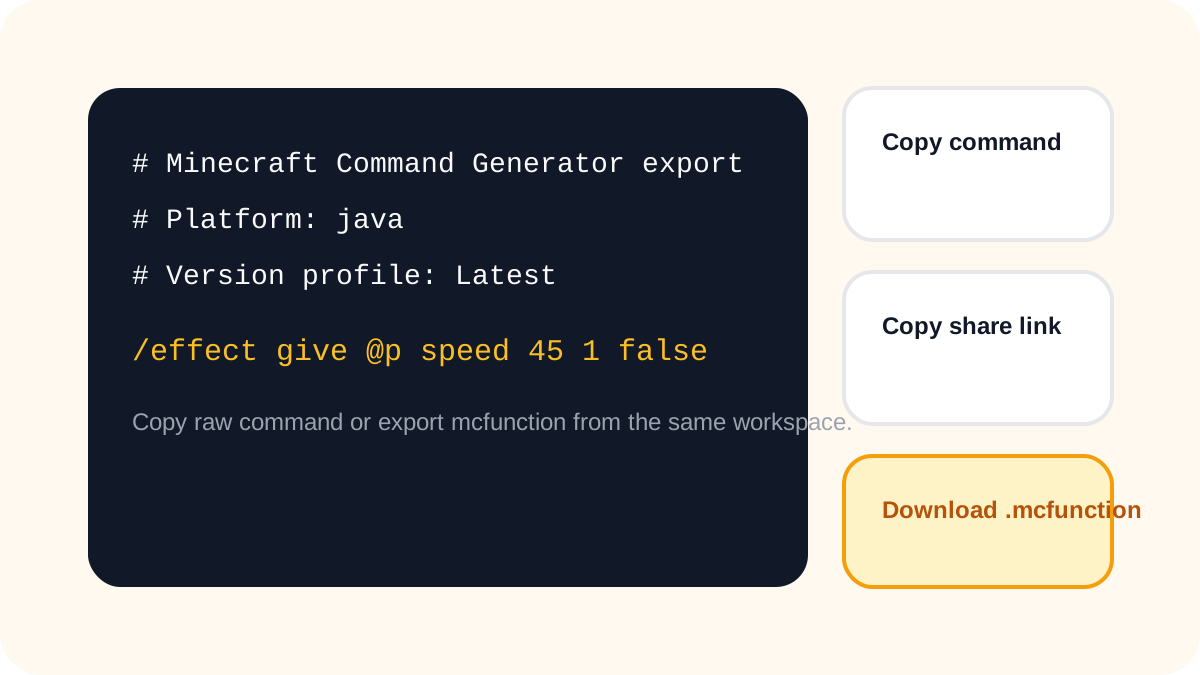
minecraft command generator output area with copy command share link and mcfunction export

Copy-ready output for testing

A good builder should reduce friction after setup. Keep the command in a clean output block, copy it once, or export an mcfunction file when you are ready.

Starter templates for common jobs

Templates help you move from idea to test quickly. Start with rewards, event messages, boss spawns, titles, or effects, then tweak only what your world needs.

Practical Bedrock support

Bedrock output stays simpler on purpose. The goal is not fake parity with Java, but realistic commands that are easier to paste and test.

Shareable setups without clutter

Generate a share link when another admin or creator needs the same setup, then come back to a clean workspace for the next command.

How the command builder works

4 simple steps

Choose a command family

Start with give, summon, tellraw, title, or effect so the page matches the job you want to finish.

Choose an edition and syntax profile

Select one of three Java text/item syntax profiles or the single basic Bedrock profile. The tool does not detect your server version.

Fill only the fields that matter

Edit the target, item, entity, text, or effect values you need. The workspace keeps the form focused.

Copy, share, or export

Correct any field errors, review the complete command, then copy or export it and test in your world. Exporting a function file does not install it.

FAQ

FAQ

Quick answers about syntax, platforms, and what this builder covers today.

Is this tool free to use?
Yes. You can build commands, copy the output, share the setup, and download an mcfunction file without a paywall in the current release.
Which Minecraft commands can I build here?
Build give, summon, tellraw, title, and effect commands. Choose Java or Bedrock before copying: the available fields and generated syntax differ between editions, and Java text components also vary by version. For a give command, check the item ID, amount, and recipient before copying. A custom item name uses the chosen Java syntax; it is not a Bedrock item-name feature. If you need a named mob, use Summon instead of Give. This builder does not add every possible command or custom NBT field, so inspect the output rather than expecting an unrestricted command editor.
Does this builder support Java and Bedrock?
Java offers three text/item syntax profiles: 1.21.5+ selects SNBT text, 1.20.5–1.21.4 selects JSON text with item components, and 1.13–1.20.4 selects older item NBT. The SNBT label is not a guarantee for every future release. Bedrock has one basic syntax profile: old Latest, 1.20.80+ and Legacy share-link selections all mapped to the same output. Bedrock give and summon omit custom names and Java NBT; tellraw uses rawtext JSON, title uses plain message text, and effect omits the Java give subcommand. The tool does not inspect your world, validate available IDs or execute commands. Test in your exact edition/version with the required permissions.
How do I make a Minecraft title command?
Select Title, choose the target and title, subtitle, or actionbar mode, then enter your message. Copy the generated command and test it in the selected edition and version; Bedrock and Java use different text syntax.
Can I share my current setup with another admin?
Yes. Use the generated share link to preserve the builder's current form choices. The address bar is cleared after loading those settings, so copying it alone will not preserve them. The link does not give another player permission to run the command or install a function. For a function file, use the dedicated export: its command line omits the chat command's leading slash.
What happens when a field is incomplete or invalid?
The form preserves spaces and partially typed text. Basic checks require a single target argument, a lowercase resource ID, three summon coordinates, and the displayed numeric ranges. Correct any errors before copying or exporting. These are lexical checks, not a Minecraft parser or registry check. Message line breaks and tabs are converted to spaces so the export contains one command line.
Is this page affiliated with Mojang or Microsoft?
No. This is a fan-made command tool and is not affiliated with Mojang, Microsoft, or Minecraft.

Open the Minecraft Command Generator and build cleaner commands faster.

Use presets, compare Java and Bedrock output, and export commands without leaving the page.